Showing posts with label images. Show all posts

Friday, January 30, 2009

Uploading multiple images photos


The Blogger post editor has a photo upload icon Blogger photo upload icon which when clicked upon will open the photo upload dialog window (see screen shot below):


Click CHOOSE FILE and select the image you want to upload from your computer, then tick the radio button for one of 4 layouts - none, left, center right. If you have only 1 photo to upload, then click UPLOAD IMAGE. If you have multiple images and you want the same layout for all of them, then click ADD ANOTHER IMAGE, in which case another CHOSE FILE button will appear. Chose your second image from your computer. Repeat for more images, and when you have finished selecting all the images, click UPLOAD IMAGE.

Related posts:
Adding images to your posts
How to delete photos
Make images a clickable hyperlink
Uploading and manipulating images
Uploading and manipulating images Part 2
Tip: Complete the alt="" for images
Using the Irfanview Photo Editor
SEO Tip: Upload images whenever you can


Peter Chen's nice graphic signature

Wednesday, October 31, 2007

Signing a post with a graphic signature

I will try to add a graphic signature to the end of this post. Tell me how you like it by leaving your comments.

Instruction on how to get this image signature is given at Nice image signature for you blog posts

Peter Chen's nice graphic signature

Wednesday, December 20, 2006

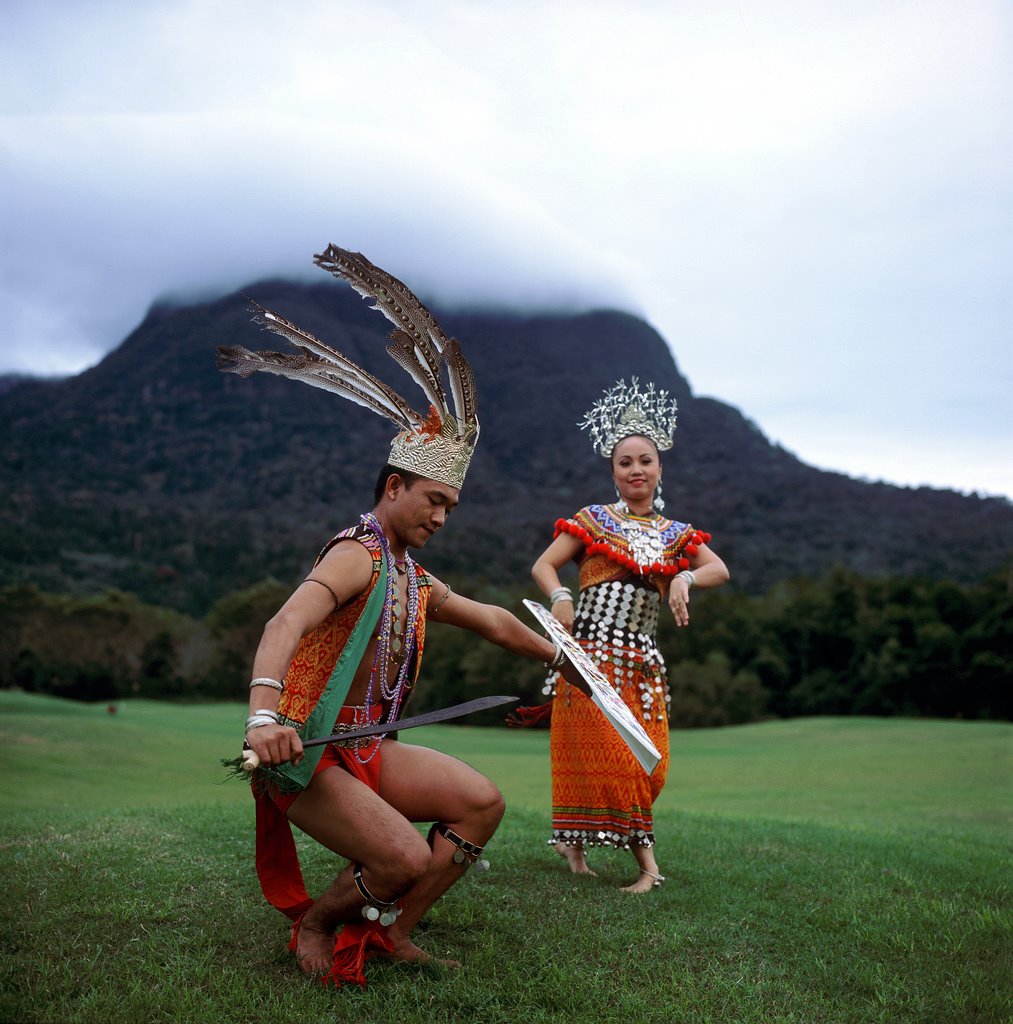
Effect of posting a wide photo on this blog using Stavanger Denim modified template


Objective of this post:

1. Demonstrate how posting a large photo, scrollbox, table, etc. in a blog using Stavanger modified Denim 3 column templatea will not cause the sidebar or main column to slide down to the bottom of the page, or have the photo obscured by the sidebar, etc.

2. Promote Malaysia. The photo above have been made an active hyperlink. Click on it and see where it takes you. The photo is copyright of Tourism Malaysia and is free to use to help promote Malaysia. 2007 is Visit Malaysia Year and also its 50th anniversary of its independence as a colony from Great Britain. Many programs are being and have been planned for the enjoyment of visitors. 2007 will be the best year to visit Malaysia.